Explanation
This error usually indicates a that the TUTIL32.DLL is not currently located in the same folder as SMS.exe, possibly due to a manual installation.
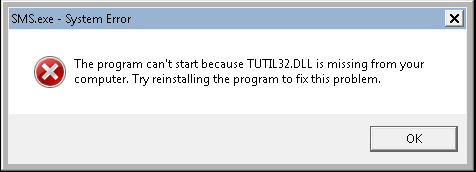
Note: This is an issue that should only be resolved by contacting Cyrious Tech Support
Resolution
- Ensure that the file is actually missing. If the file is there, it might need to be replaced.
- Get a copy of this file on RunImage in the SMS 8.91\Programs folder.
- Place this file in the same directory as SMS.exe
- Restart SMS