Microsoft Remote Desktop
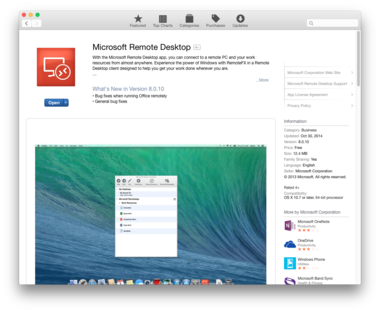
To access SMS Cloud on a Mac, you will need to obtain Microsoft Remote Desktop from the App Store. This requires OS X 10.7 or later and a 64-bit processor.
- Open the App Store.
- In the search box, type Microsoft Remote Desktop.
- Install the free app.
Connect to Your SMS Cloud Account
- Open Microsoft Remote Desktop from your Applications folder.
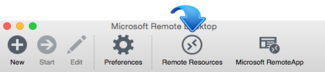
- Click the Remote Resources button in the toolbar.
- In the URL box, type cloud.cyrious.com
- In the User name and Password fields, enter the login information you received in your welcome email
- Click the Refresh button and close the Remote Resources window.
- Now you should see SMS. Double-click to log in